Click the profile button in the top-right corner of the website.
Click on Create Account below the Login button.
Select either Create Account or Continue with Google.
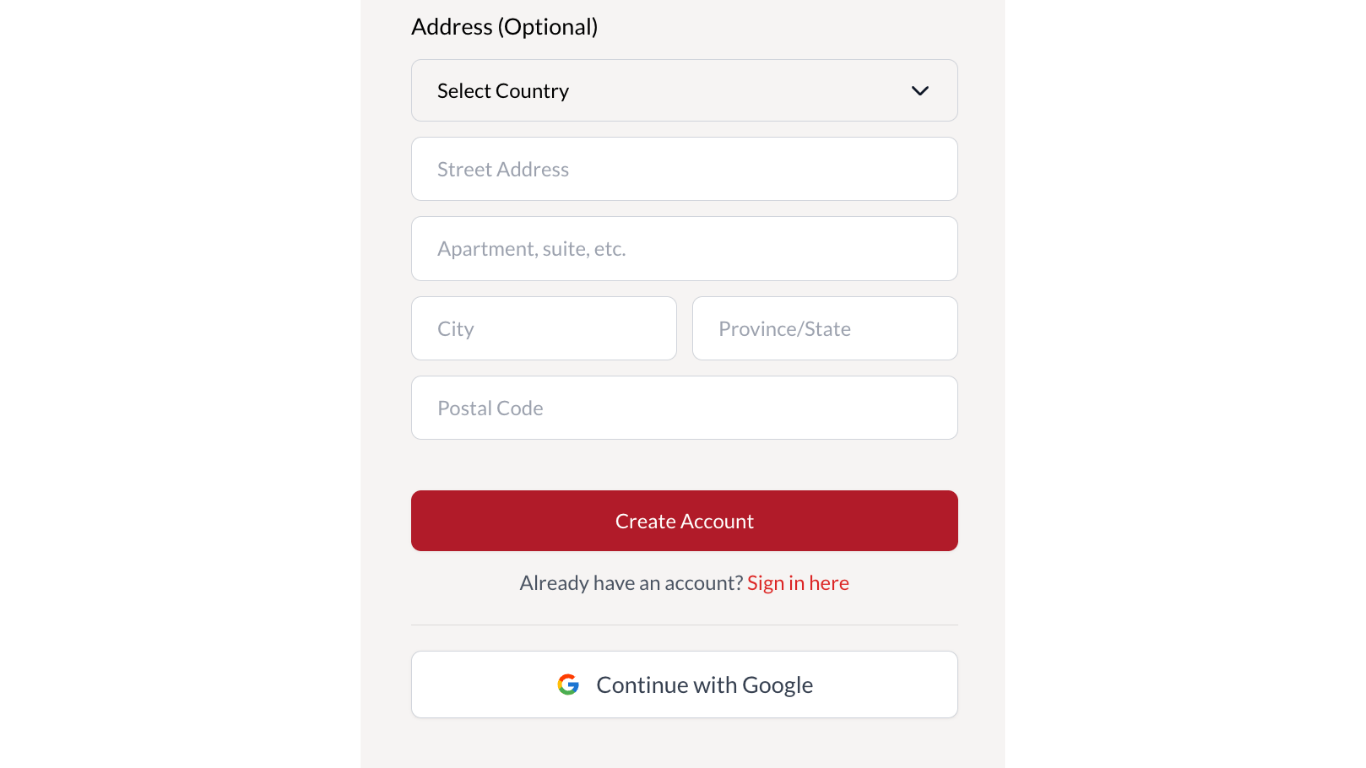
Complete the relevant fields. Those marked with a red asterisk are required.
Click Create Account at the bottom of the form (in red).
Alternatively, select Continue with Google.
Agree to the terms and conditions by clicking Continue.
Your account will be created simultaneously with Cowley Abbott and Auction Mobility (bidding platform). You should receive an ‘account successfully created’ confirmation.
If using the first method Create Account, you should receive a confirmation email with a link to log in to the Cowley Abbott website using the same email address and password you entered on the form.
If using the second method, Continue with Google, you will receive a confirmation email with a password to log in to Auction Mobility (the bidding platform), as sign-in with Google is not available.
These credentials are valid for both the Cowley Abbott and Auction Mobility websites.
Read our step-by-step guide to what to expect when bidding in an online auction.
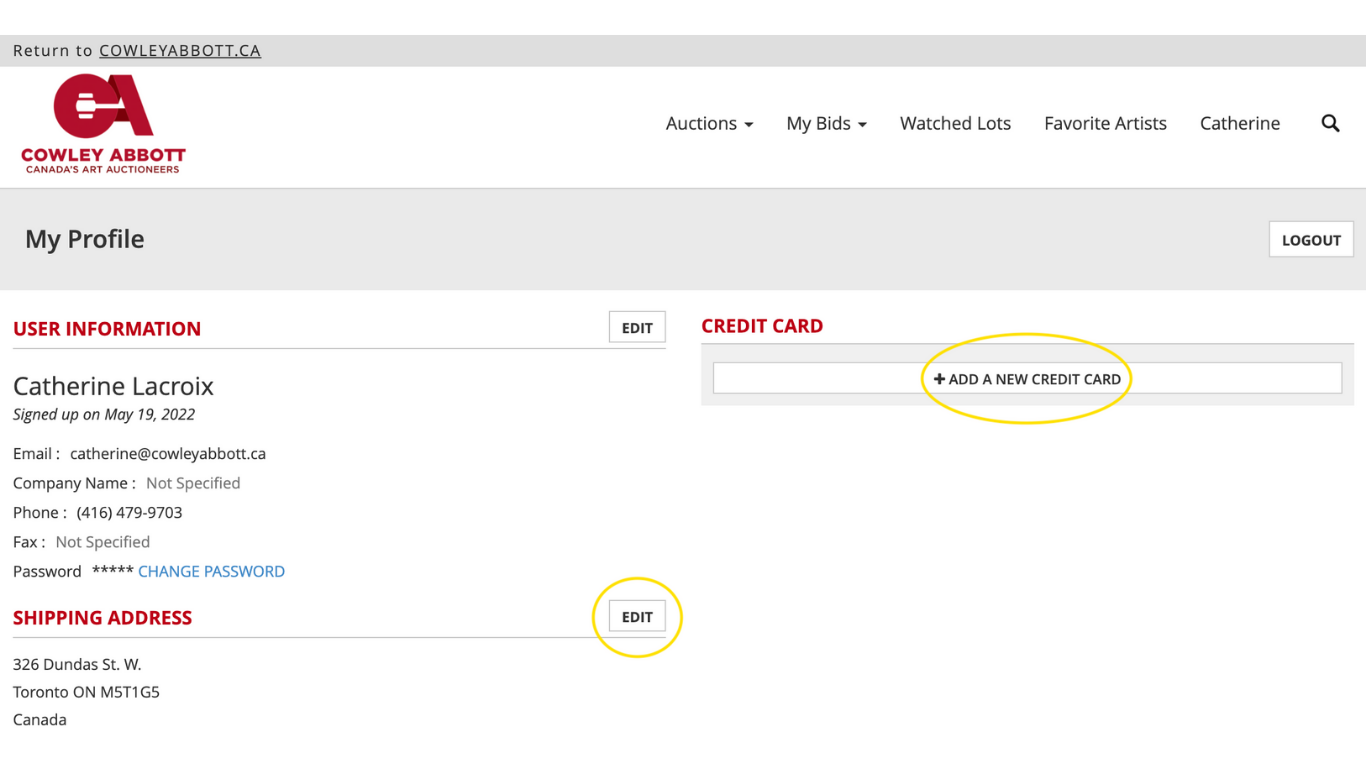
If you are logged in and your credit card and address details are complete on the bidding platform (Auction Mobility), you will be able to place a bid.
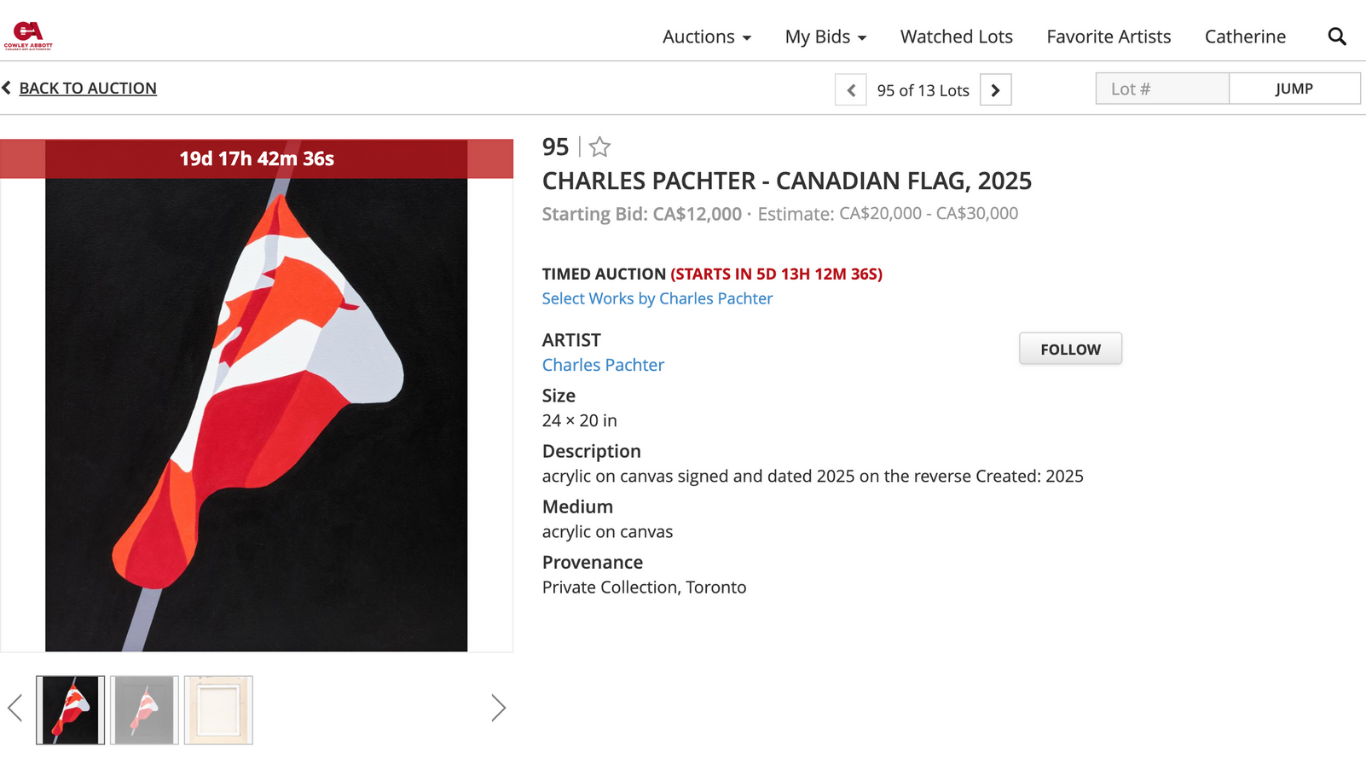
Bidding opens at the start time. Lots are viewable and a countdown is shown beforehand.
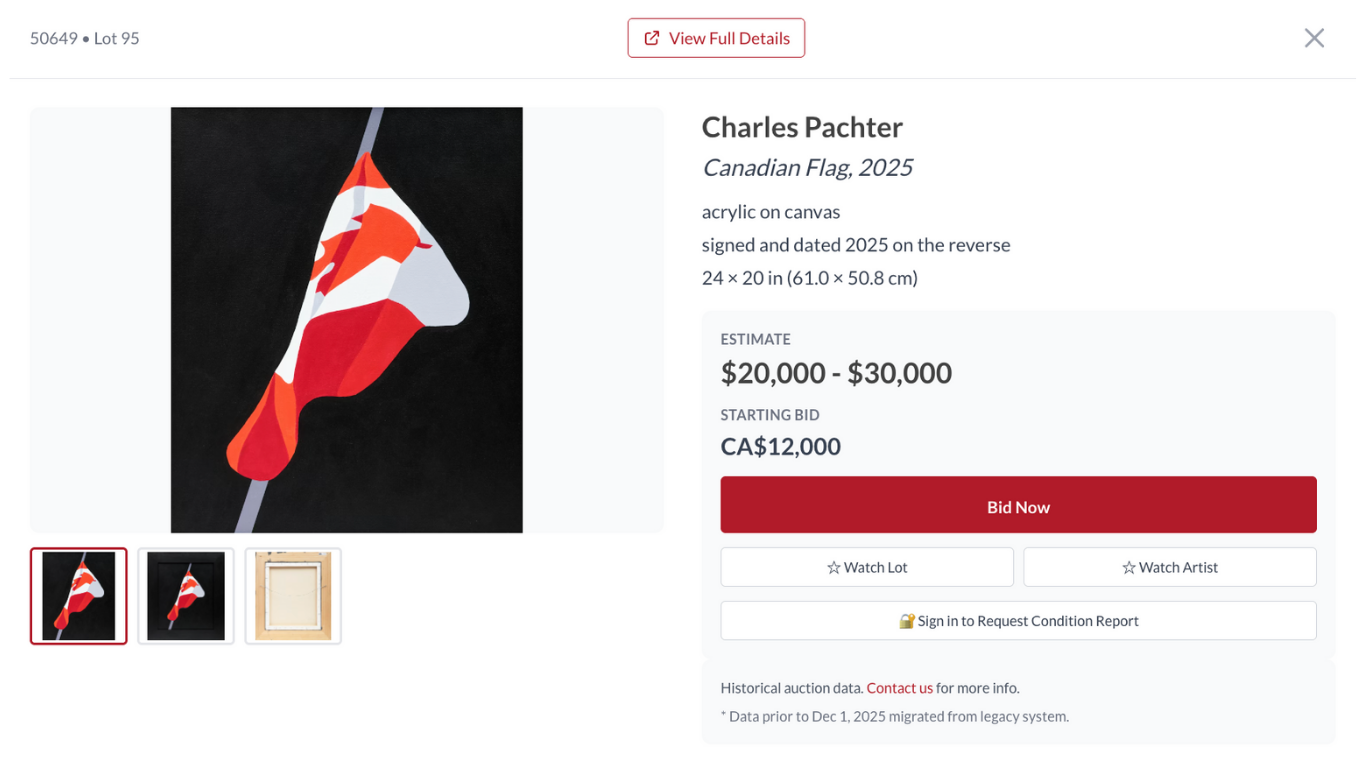
From our website, you can select any item from an auction and select the Bid Now button.
After selecting the Bid Now button, you will be automatically taken to our bidding platform hosted by Auction Mobility.
If you are the winning bidder, an automatic deposit of 10% of the hammer price will be charged to the credit card listed in your Auction Mobility profile. A member of our team will then contact you to organize the final payment and the collection or shipment of your artwork.
How to place a maximum bid?
Once the auction opens, you will be able to place a maximum bid.
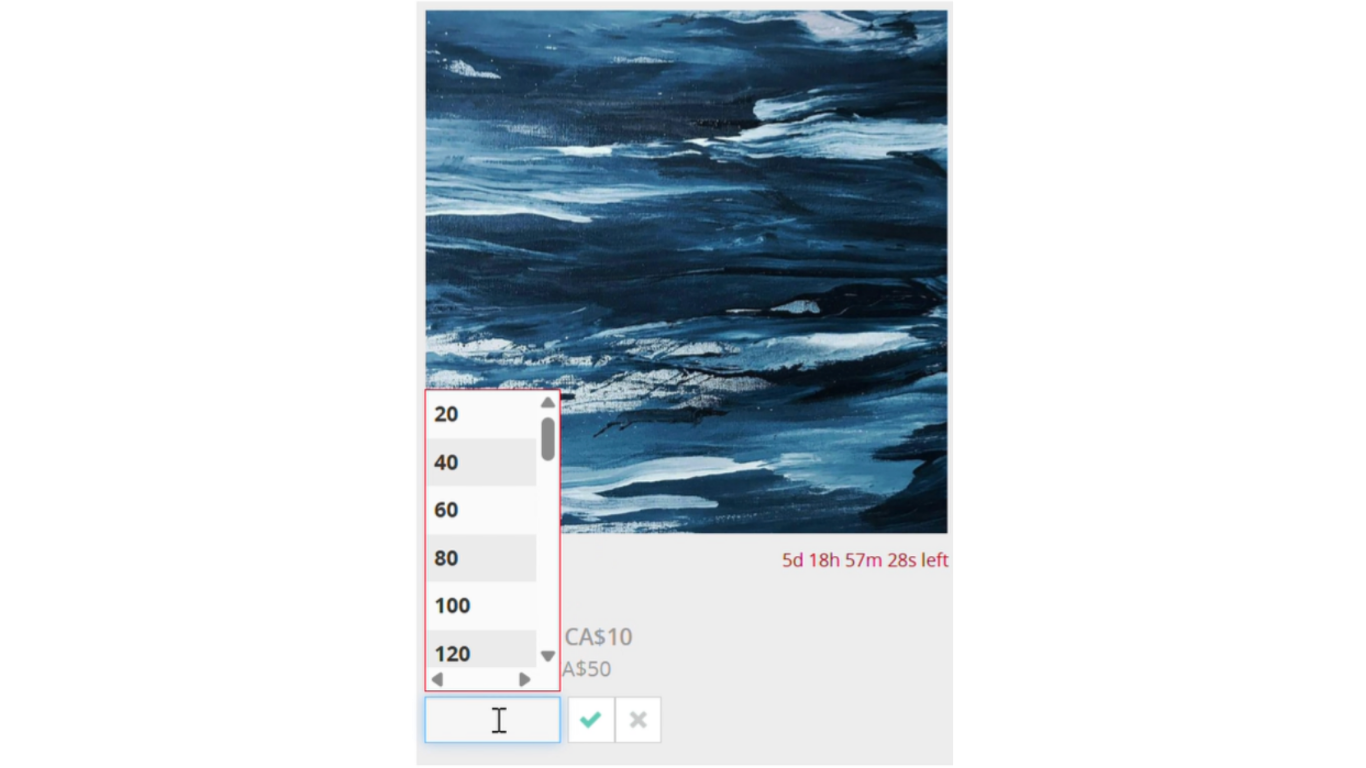
Click Place Bid to view the dropdown menu of Bidding Increments. For further information, consult our How to Buy section.
Select the maximum bid you wish to set.
The green check mark indicates the selected maximum bid. This will instruct the bidding platform to place bids on your behalf until your maximum bid is reached or until you win the lot at a lower hammer price.
You can edit your maximum bid by clicking on Edit Bid.
It is best to update your password from Cowley Abbott’s website as that will update your Auction Mobility Password simultaneously.
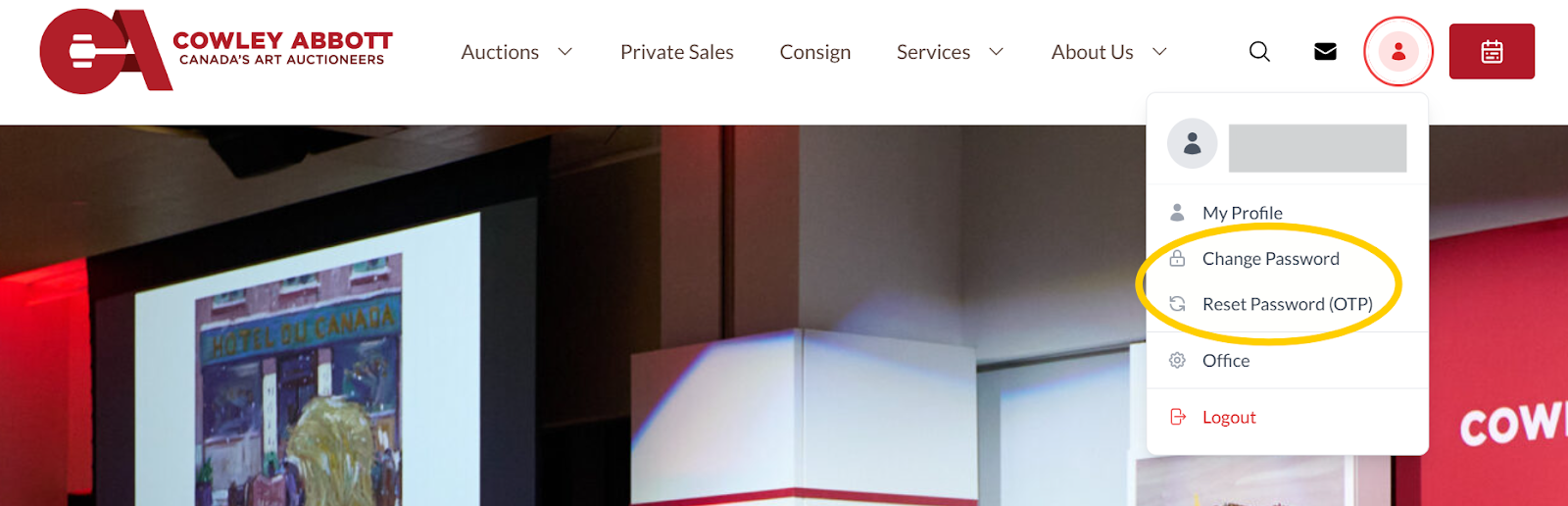
Login to Cowley Abbott and click on the user/person silhouette in the upper right corner. The dropdown menu has an option to change password or reset your password using a One Time Passcode (OTP).
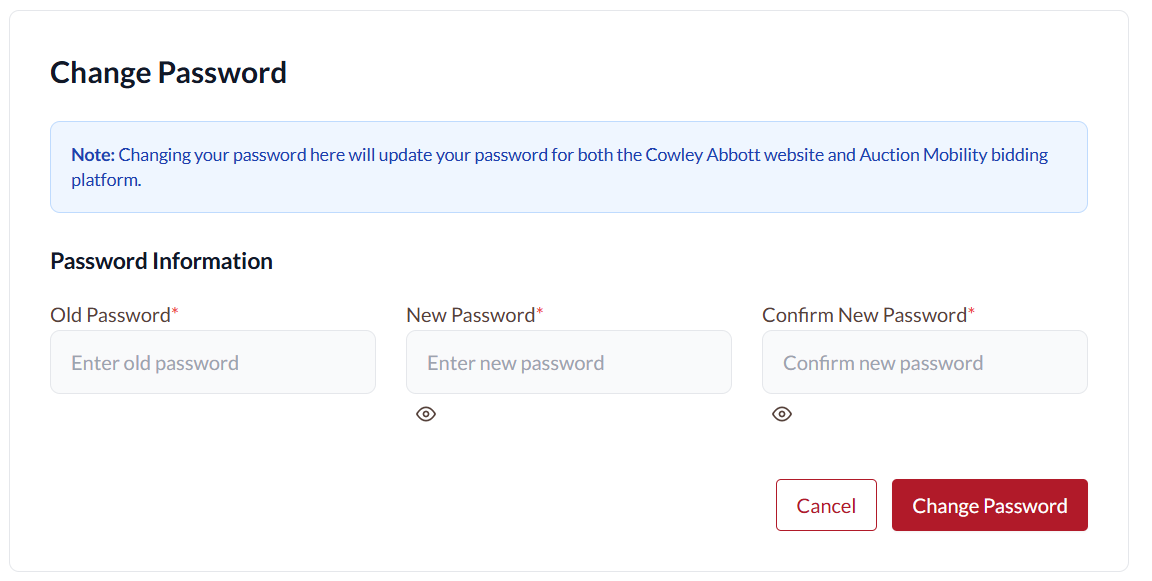
To change your password you need to enter your current password and the new password (twice).
To reset your password, click the button to receive a one time passcode which will be sent to the email address associated with the account.
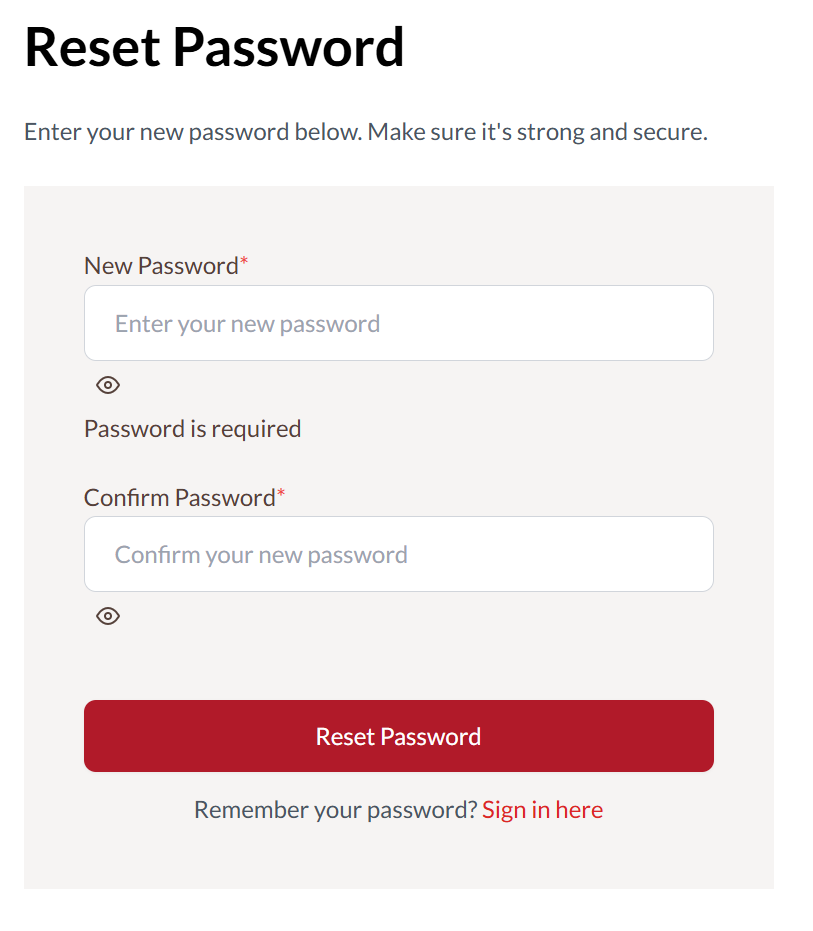
Then simply enter the passcode you receive on the Verify OTP screen and you will be automatically redirected to enter your new password (twice).