

- Click the profile button in the top-right corner of the website.
- Click on Create Account below the Login button.
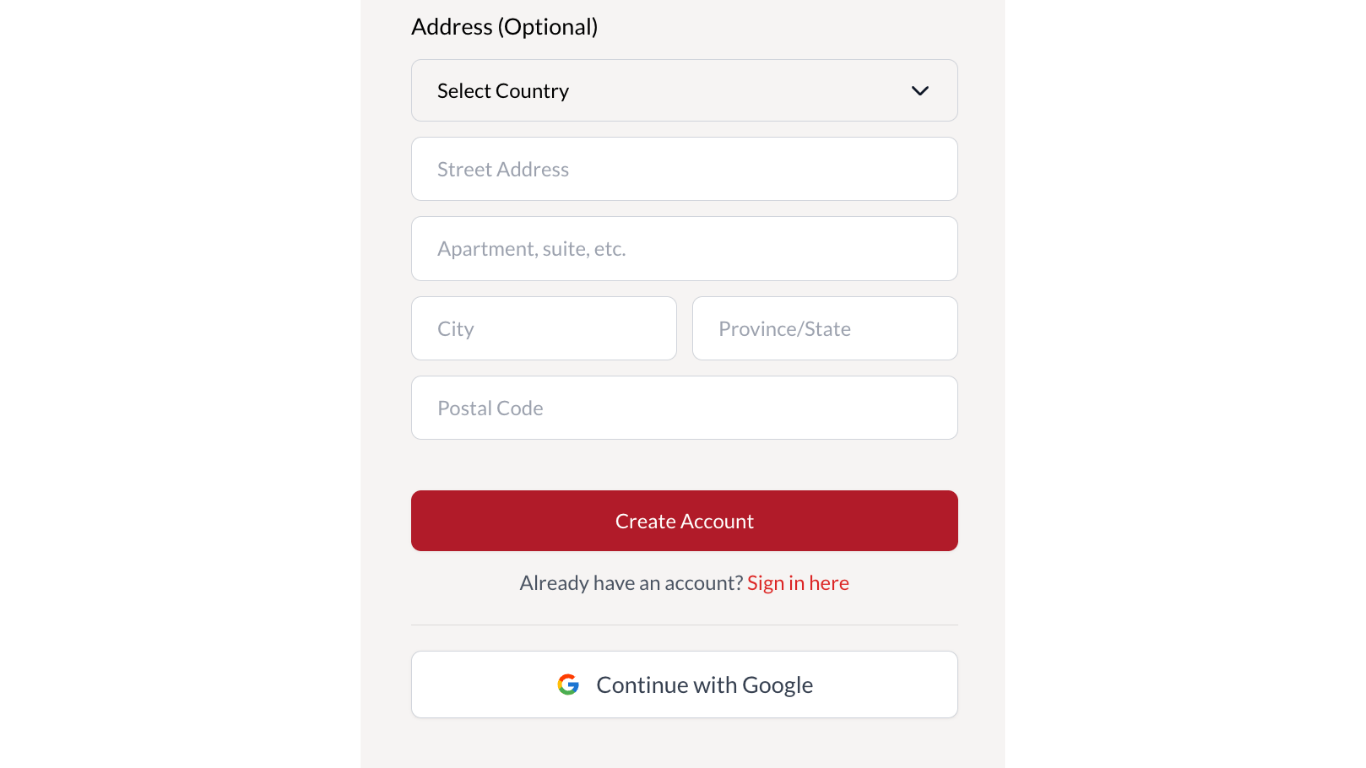
- Select either Create Account or Continue with Google.
- Complete the relevant fields. Those marked with a red asterisk are required.
- Click Create Account at the bottom of the form (in red).
- Alternatively, select Continue with Google.
- Agree to the terms and conditions by clicking Continue.
- Your account will be created simultaneously with Cowley Abbott and Auction Mobility (bidding platform). You should receive an ‘account successfully created’ confirmation.
- If using the first method Create Account, you should receive a confirmation email with a link to log in to the Cowley Abbott website using the same email address and password you entered on the form.
- If using the second method, Continue with Google, you will receive a confirmation email with a password to log in to Auction Mobility (the bidding platform), as sign-in with Google is not available.
- These credentials are valid for both the Cowley Abbott and Auction Mobility websites.
- Log in to Auction Mobility following this link.
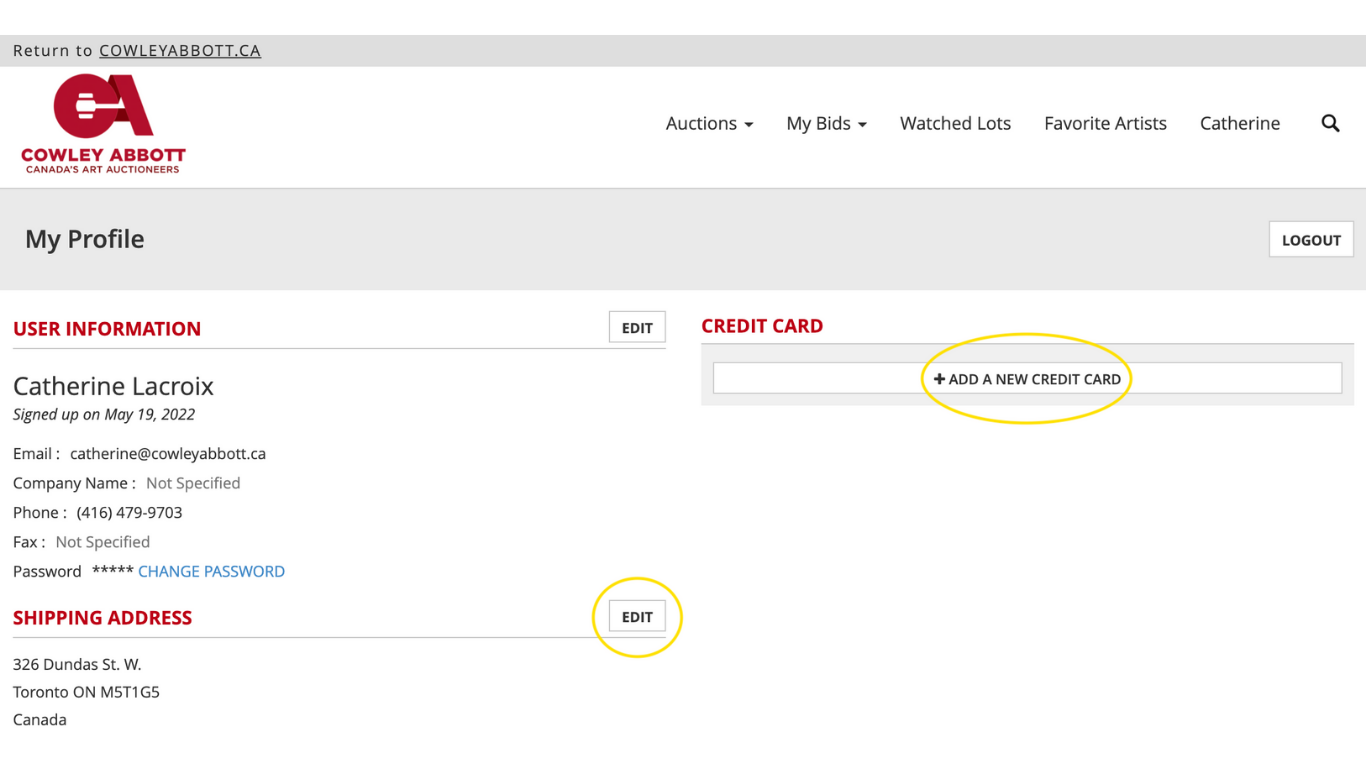
- Select your name in the top right-hand corner (before the search button) to see your Profile.
- Update your address and credit card details in Auction Mobility. Without these completed, you may not be able to claim your successful bids.