

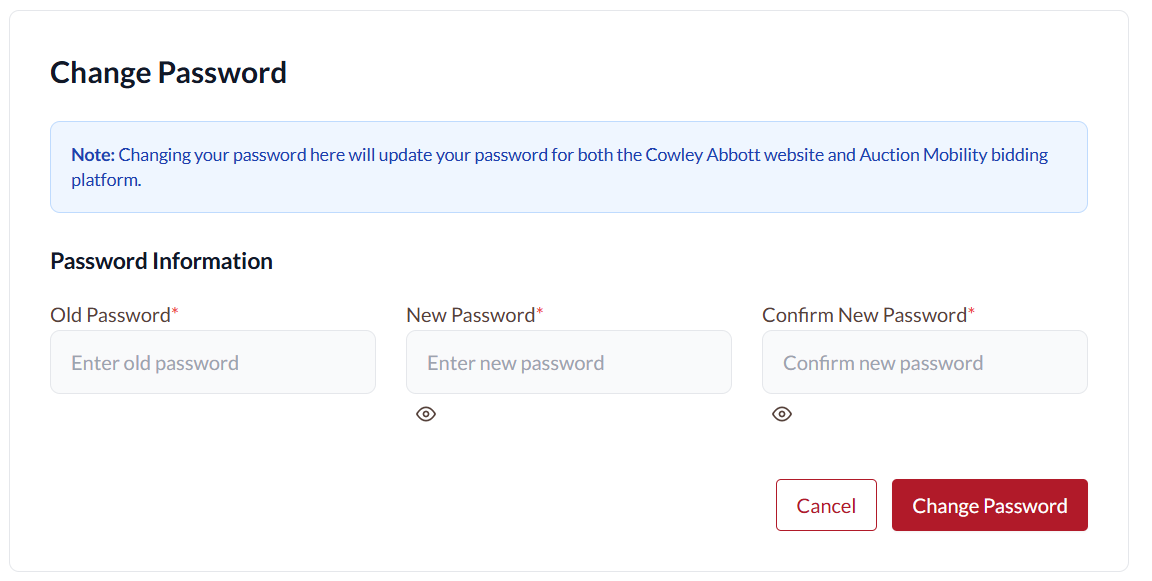
It is best to update your password from Cowley Abbott’s website as that will update your Auction Mobility Password simultaneously.
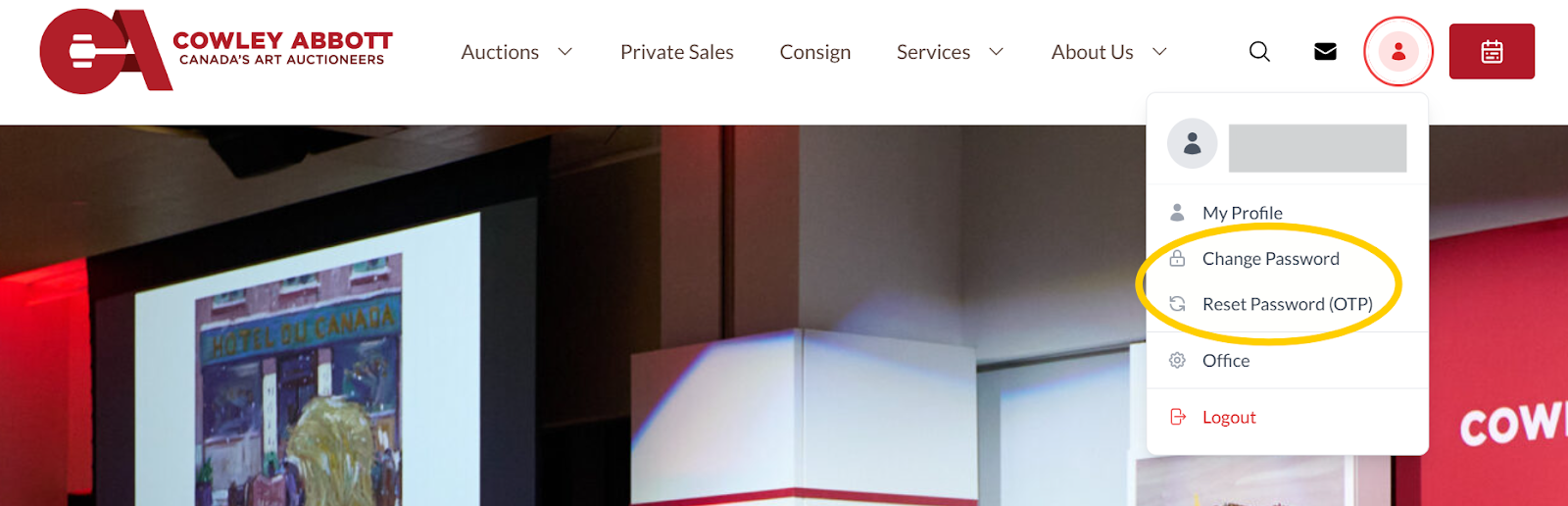
Login to Cowley Abbott and click on the user/person silhouette in the upper right corner. The dropdown menu has an option to change password or reset your password using a One Time Passcode (OTP).
To change your password you need to enter your current password and the new password (twice).
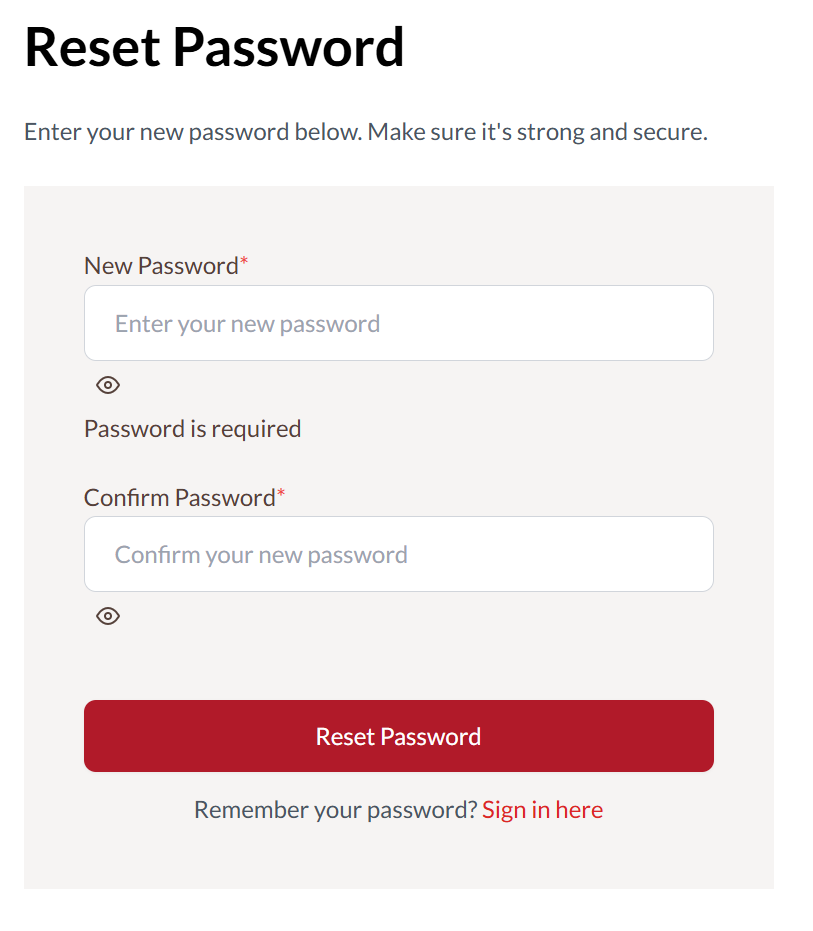
To reset your password, click the button to receive a one time passcode which will be sent to the email address associated with the account.
Then simply enter the passcode you receive on the Verify OTP screen and you will be automatically redirected to enter your new password (twice).